
How to pay with Zelle
Place your order first, send the exact amount, then tell us you sent it from My Account.
Pay NEP Payments with Zelle
- Zelle tag
- neppayments
Place your order before sending payment.
Memo: ONLY your order number
If you put anything besides your order number in the note / memo, we will cancel your order.
No extra words, names, product descriptions, or other text.
- Place your order. The next page and confirmation email give you the exact total and order number. Copy that order number.
- Send the exact total within 4 hours. Open Zelle in your bank app and pay the tag above. You can also scan the QR code on your payment page. Paste only your order number into the memo.
- Tell us you sent it. Go to My Account, Orders, open your order and select I've sent it, notify us. We'll check for your payment and update your order.
More Zelle instructions
How paying with Zelle works
Important: Put ONLY your order number in the note / memo. If you put anything besides your order number, we will cancel your order.
Send the exact amount to NEP Payments using Zelle
Use Zelle in your bank app to pay NEP Payments with the Zelle tag neppayments, or scan our QR code. Check the tag before sending. Our receiving bank is Chase; you can use any participating bank that supports sending to this recipient.
Include ONLY your order number in the memo so we can match your payment. No extra words, names, product descriptions, or other text.
After sending, open My Account, choose Orders, and open your order number. Select I've sent it, notify us and enter the sender name shown by your bank to notify our team. The page after checkout links directly to your order in My Account. Then use Check for payment to see our latest recorded status. We confirm receipt in our Chase account, usually the same day. Please do not send a second payment while waiting for review.
NEP Payments Zelle QR code
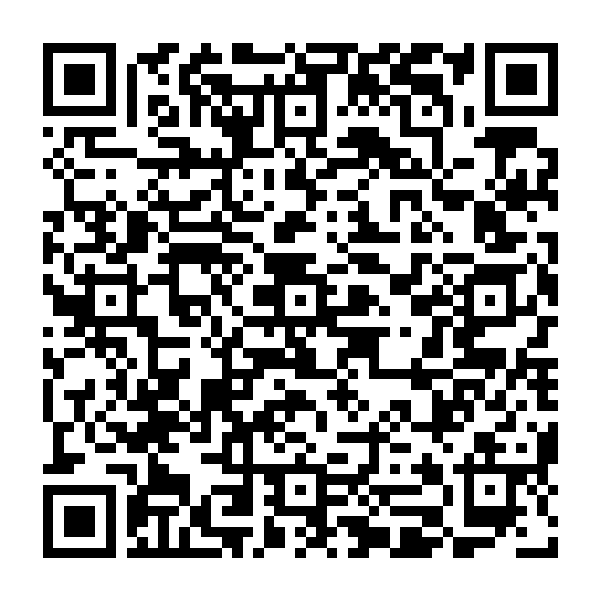
Use your bank app to scan. Confirm the tag matches the current payment details before sending.
After sending
In My Account, choose Orders and open your order number. Select “I’ve sent it, notify us” and provide the sender name requested. This tells our team to review the payment; it does not confirm receipt automatically. Use Check for payment to see the latest recorded status. Please do not send a second payment while waiting for review.
Open My Account OrdersFor bank-specific availability and instructions, see Chase’s Zelle help. Your order page is the authority for the amount, recipient and deadline.